 FiriScan - PDF Document Scanner

📄 FiriScan - PDF Document Scanner
FiriScan - PDF Document Scanner is a powerful and simple document scanner that helps you scan, enhance, organize, sign, and share high-quality PDF files in seconds — all with a beautiful, easy-to-use design.
Scan documents with your camera, import photos from your gallery, automatically detect page edges, improve document quality, apply smart filters, extract text with OCR, add signatures, and create professional PDF files instantly.
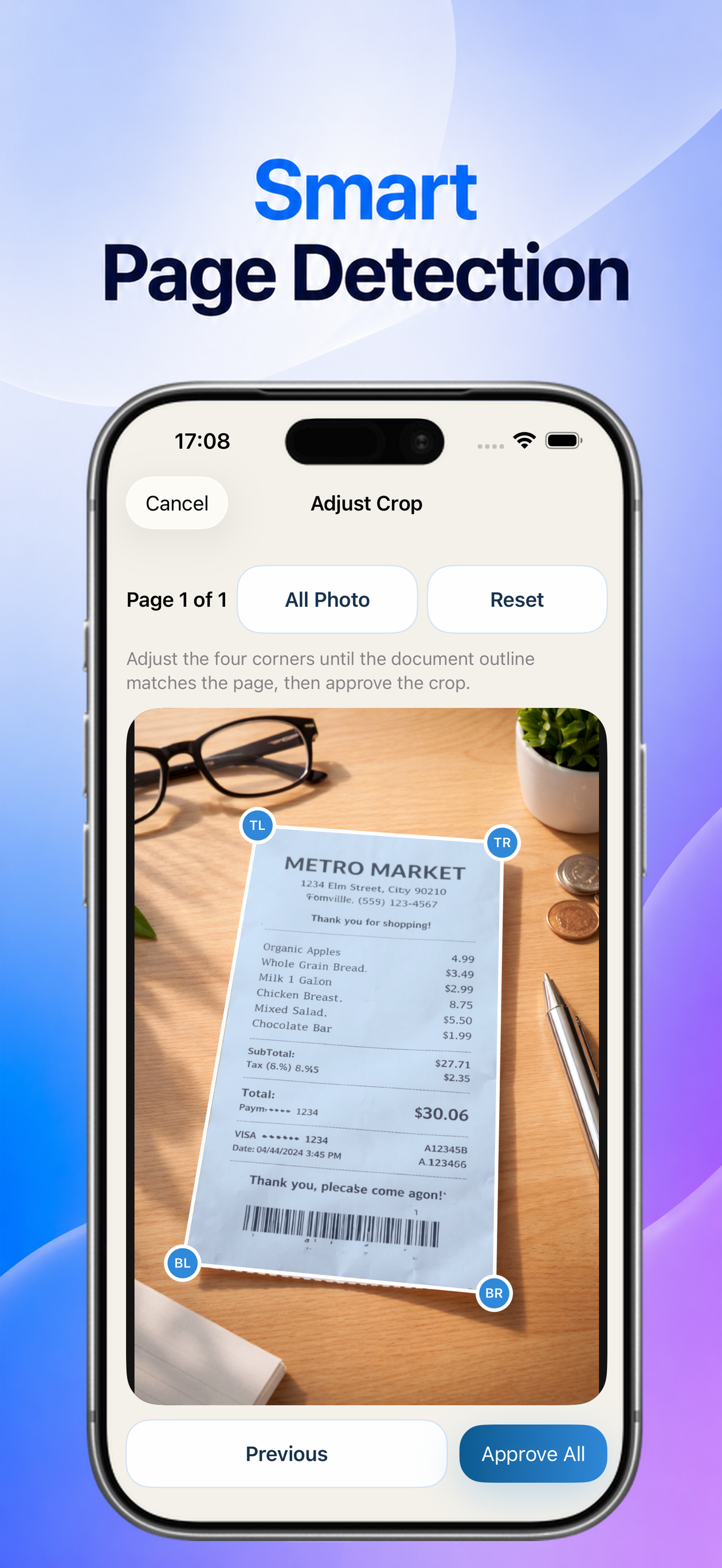
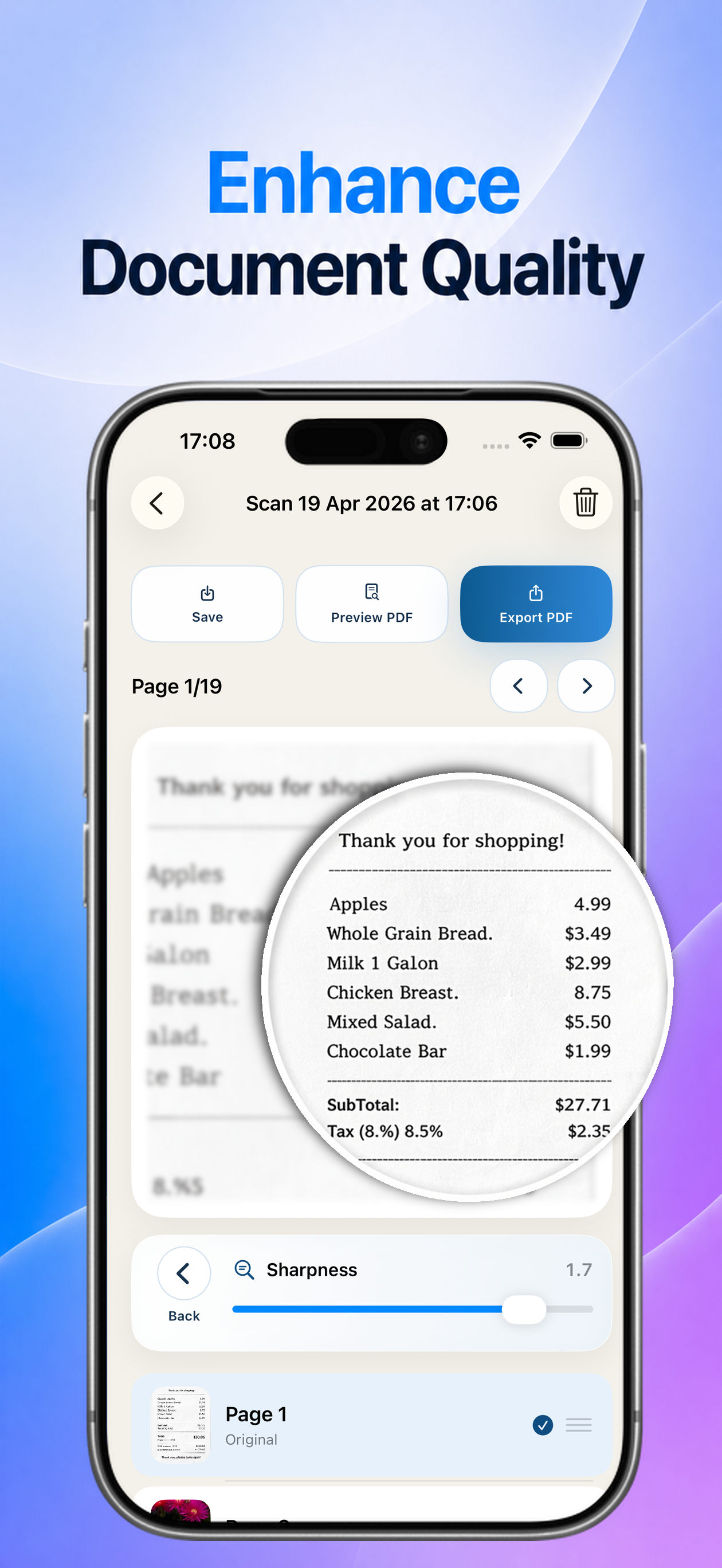
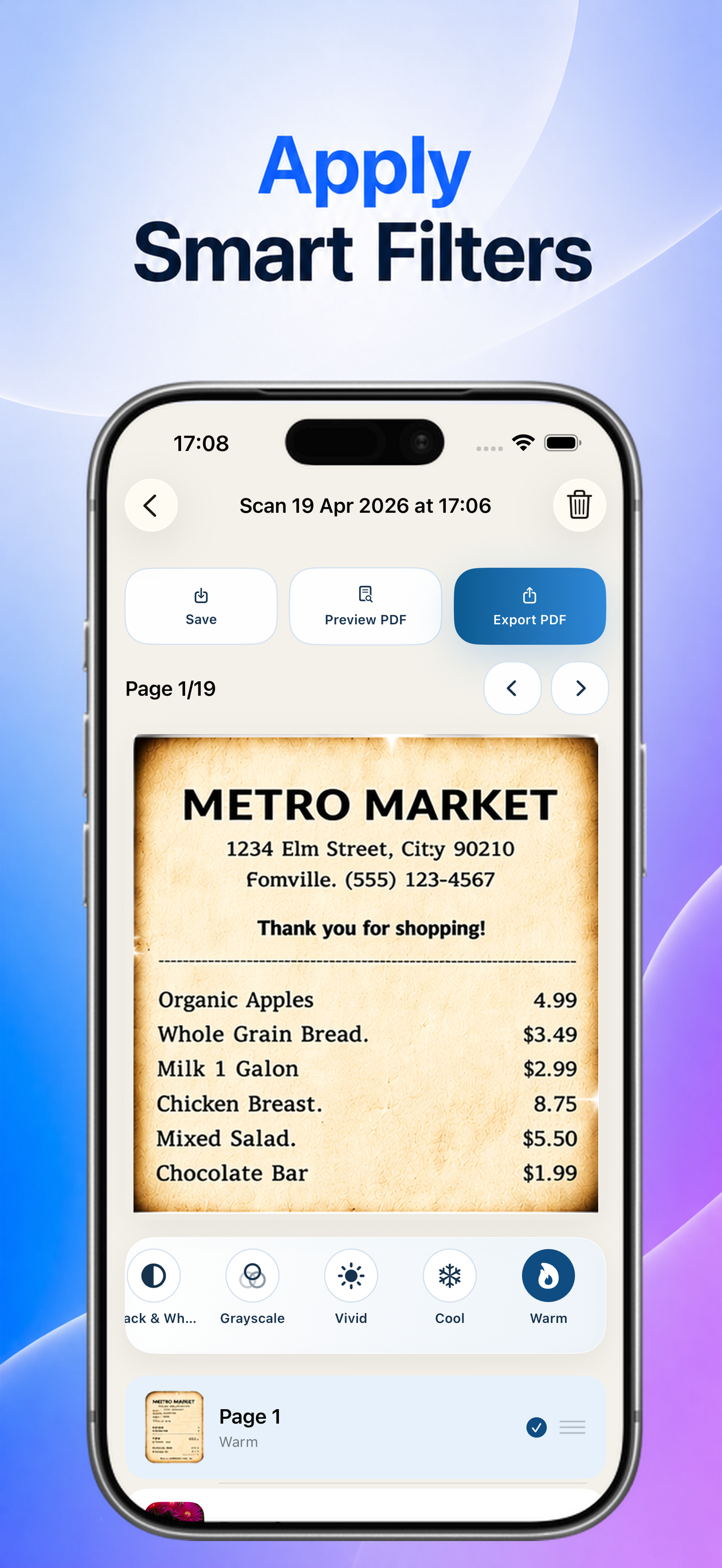
📷 SMART DOCUMENT SCANNER
- Scan documents directly using your camera
- Import and scan documents from your photo gallery
- Automatic page edge detection for clean results
- Smart auto-cropping and perspective correction
- Automatically straighten tilted pages for a professional look
✨ DOCUMENT ENHANCEMENT
- Enhance document quality with smart sharpening tools
- Improve text clarity for receipts, notes, contracts, invoices, and forms
- Make blurry photos cleaner and easier to read
- Optimize scans for professional-looking PDF output
🖊️ SIGN DOCUMENTS
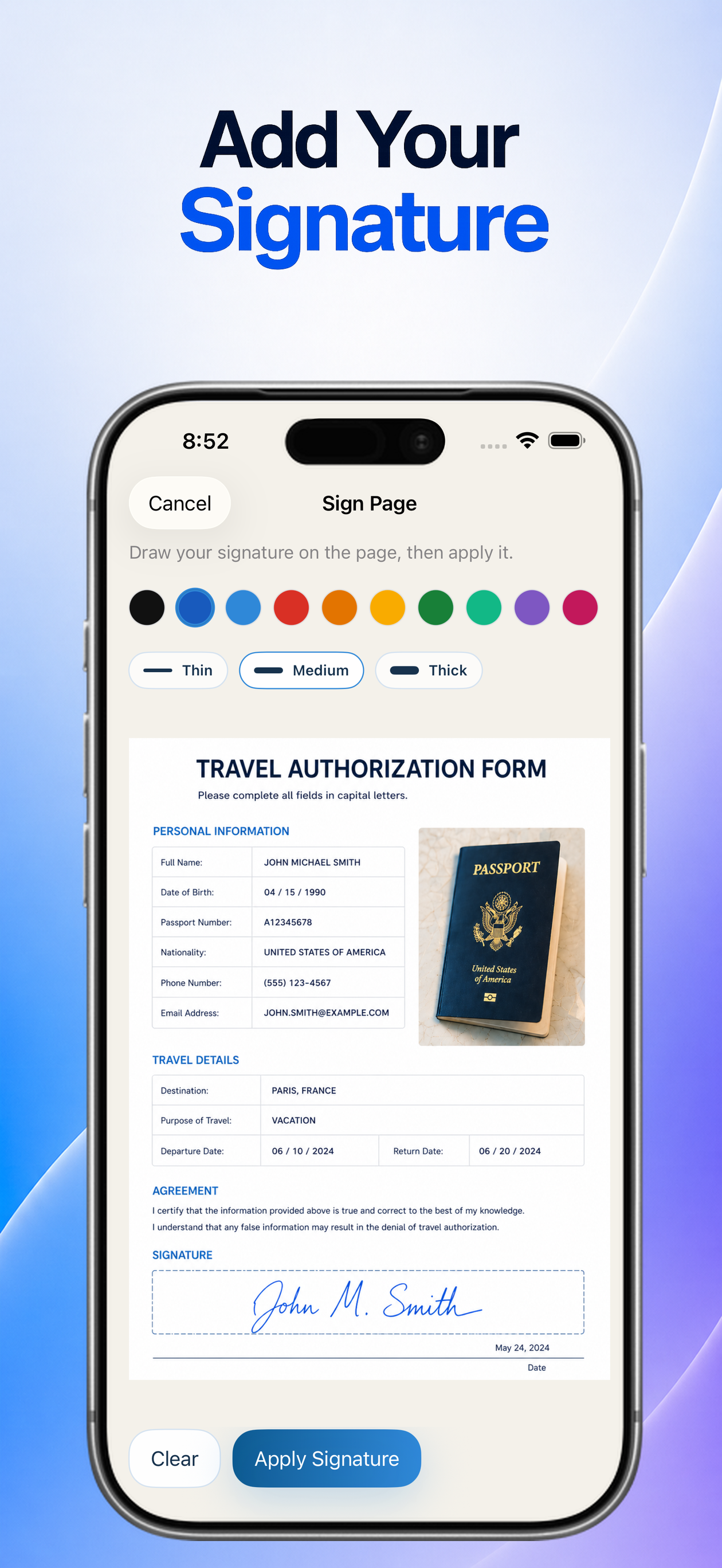
- Add your signature directly to PDF documents
- Sign contracts, forms, invoices, and agreements in seconds
- Create professional signed documents without printing
- Sign and share documents directly from your device
🔎 OCR TEXT EXTRACTION
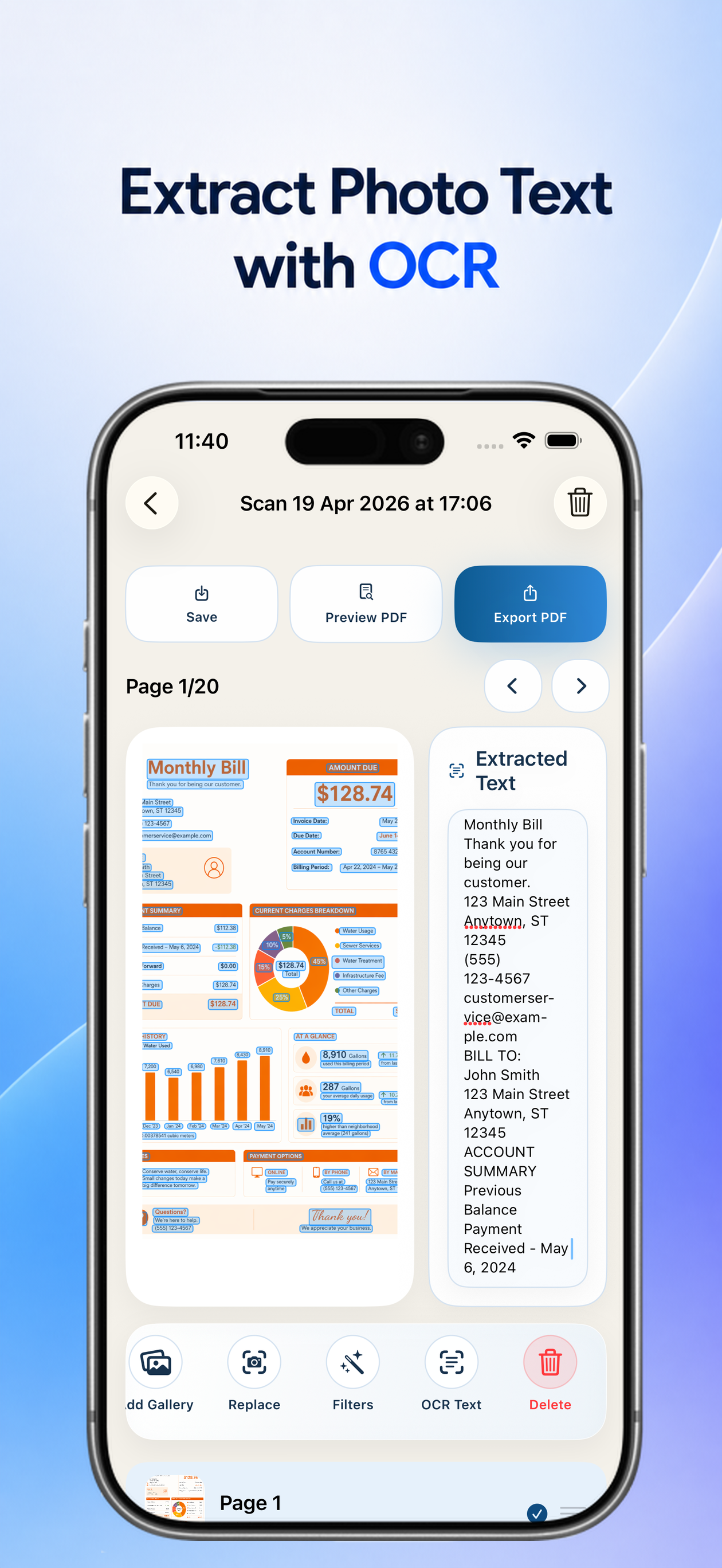
- Automatically extract text from scanned photos using OCR
- Turn paper documents into editable and searchable text
- Great for notes, receipts, business cards, invoices, and forms
- Copy text directly from your scanned documents
🎨 SMART FILTERS
- Apply smart filters for better readability
- Choose from Black & White, Grayscale, Vivid, Cool, Warm, and more
- Improve document visibility and contrast instantly
- Perfect for receipts, reports, forms, handwritten notes, and old documents
📄 HIGH-QUALITY PDF CREATION
- Generate PDF files in Medium, High, or Extra High quality
- Create sharp, crystal-clear PDFs from your scans
- Perfect for printing, sharing, archiving, or professional use
- Keep important details with high-resolution PDF output
📑 PAGE MANAGEMENT
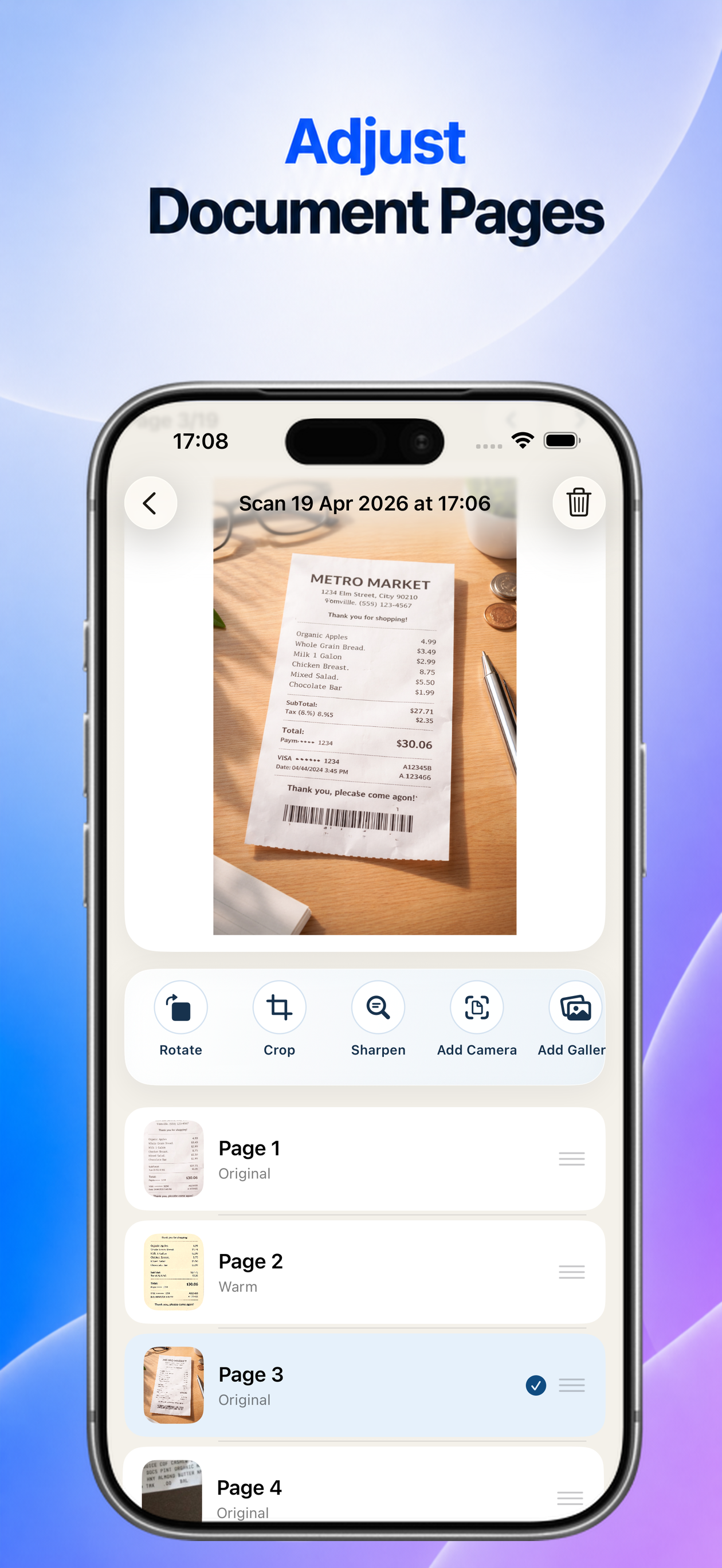
- Reorder pages easily with drag and drop
- Crop, rotate, and adjust pages anytime
- Organize multi-page documents exactly how you want
- Save PDF projects and continue editing later
🚀 EASY SHARING
- Share PDF files instantly using email, messaging apps, cloud storage, and more
- Export documents to other apps with one tap
- Save your work and access it later anytime
- Perfect for work, school, business, and everyday personal use